Most teams treat git history as a side effect. You work, you commit, whatever ends up in the log is the log. Merge commits pile up. “WIP” and “fix typo” and “actually working now” sit next to meaningful changes. The history is technically accurate but communicates nothing.
The alternative: treat history as something you write, not something that happens to you. The commit log is the one piece of documentation that’s always in sync with the code – because it is the code’s changelog. If the history is incoherent, you’ve wasted that.
Atomic commits
One commit, one logical change. Not one file – one concern. A refactoring is one commit. The bug fix that the refactoring enabled is another. The test that covers the fix is a third. Each commit should be independently understandable and independently revertable.
Can you explain this commit in a single sentence without using “and”? If not, it’s doing too much.
This feels slow at first. You’re working on a feature, you touch six files, you want to commit and move on. But the discipline pays off in two places: code review and debugging. A reviewer can read each commit as a self-contained change with a clear purpose. git bisect can isolate a regression to a meaningful unit of work, not a blob of unrelated changes.
Rebase over merge
When your feature branch needs to incorporate upstream changes, you have two choices. Merge creates a merge commit that interleaves two timelines. Rebase replays your commits on top of the updated main branch, producing a linear history.
git fetch origin
git rebase origin/main
The argument for merge: it preserves the “true” history of what happened. The argument for rebase: nobody cares about the true history. What matters is a history that’s readable.
A linear history means git log --oneline reads top to bottom as a narrative. Each commit builds on the previous one. There’s no branching timeline to reconstruct mentally, no merge commits that say nothing beyond “merged feature-branch.”
The rebase-vs-merge debate generates heat because people conflate two things: the development process (messy, iterative, non-linear) and the permanent record (clean, linear, intentional). Rebase lets you do the work however you want, then present it in the order that makes sense to a reader.
Interactive rebase
Before pushing a branch, rewrite the history into something coherent:
git rebase -i HEAD~4
This opens your commits in an editor. Squash the “WIP” commits into the meaningful ones. Reword messages that made sense in the moment but won’t make sense tomorrow. Reorder commits so the narrative flows logically – infrastructure first, then the feature that uses it, then the tests.
The result is a branch where every commit tells the reader something useful, in the right order. The development process was messy. The history doesn’t have to be.
Commit messages
The first line is a summary. It should complete the sentence “this commit will…” – add authentication middleware, fix race condition in session handler, extract payment service interface.
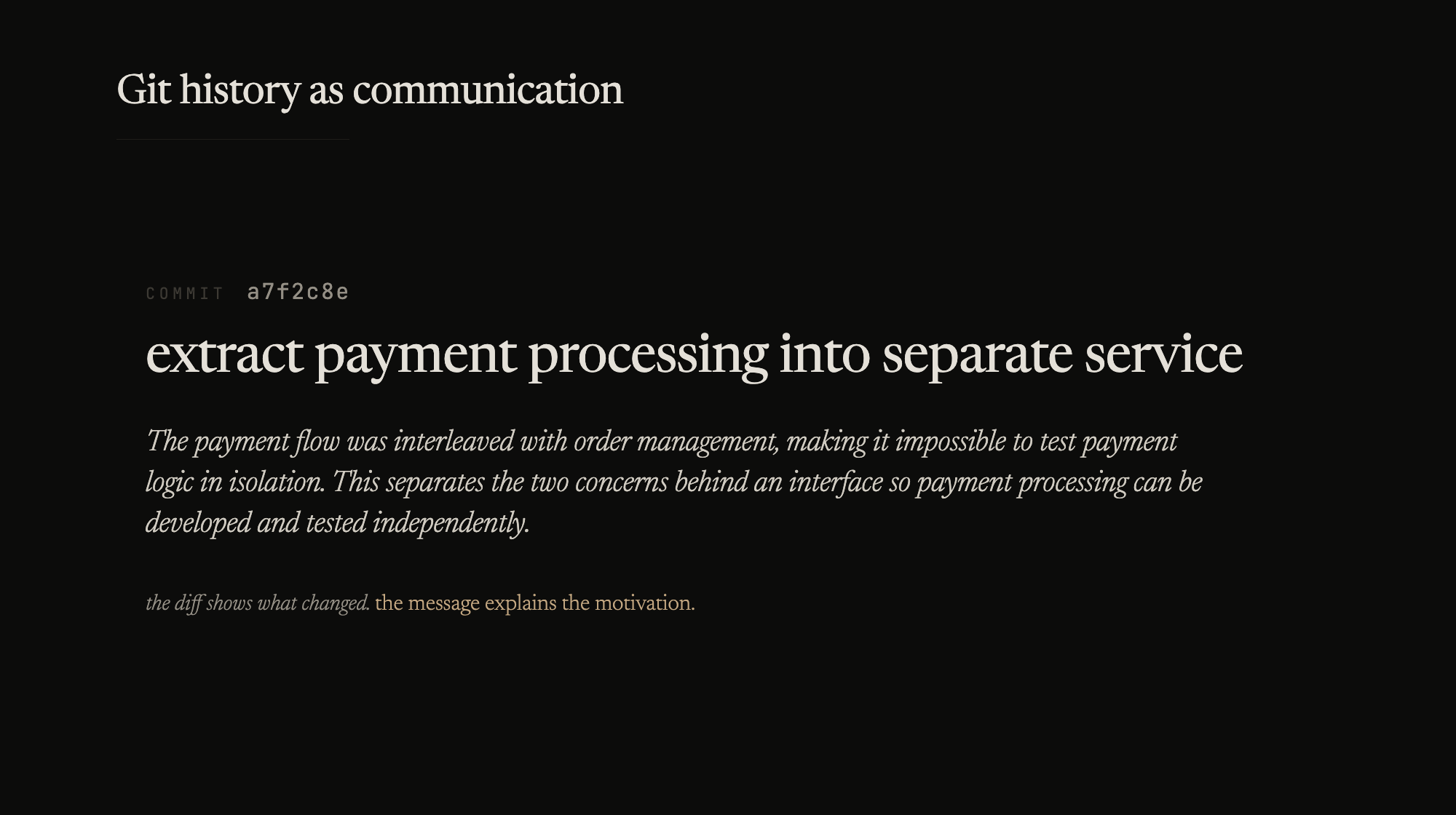
If more context is needed, a blank line followed by a paragraph explaining why, not what. The diff shows what changed. The message explains the motivation.
extract payment processing into separate service

The payment flow was interleaved with order management,
making it impossible to test payment logic in isolation.
This separates the two concerns behind an interface so
payment processing can be developed and tested independently.
Bad messages: “update code”, “fix bug”, “changes”, “WIP”, “Monday work”. These communicate nothing and pollute the history permanently.
Branch discipline
One branch, one purpose. A feature branch that also fixes two unrelated bugs and refactors a utility function is three branches masquerading as one. When the feature needs to be reverted, the bug fixes and refactoring go with it.
Name branches by what they do: feature/openid-auth, fix/session-timeout, refactor/extract-user-service. The prefix communicates intent. The suffix communicates scope.
Short-lived branches. The longer a branch lives, the further it drifts from main, and the harder the eventual integration. If a feature takes weeks, rebase against main regularly and break the work into smaller merge-ready pieces.
Delete merged branches. A hundred stale branches isn’t a sign of productivity – it’s clutter that makes the active work harder to find.
The reflog safety net
People avoid rebase because they’re afraid of losing work. The reflog is why that fear is unfounded.
git reflog
Every state your repository has been in is recorded. If a rebase goes wrong, the pre-rebase state is in the reflog. git reset --hard HEAD@{n} restores it. Git almost never loses data permanently – it just becomes unreferenced. The reflog is the index to everything you’ve done, including the things you’ve undone.
Knowing this changes how you work. You can rebase aggressively, squash freely, and reset without anxiety. The safety net is always there.
History is for readers
You write code for the person who reads it next. Commit history is no different. The person reading git log six months from now – maybe you, maybe someone who’s never seen the codebase – should be able to follow the narrative without asking “what was this commit for?”
That requires the same discipline as writing clean code: intention, revision, and the willingness to rewrite your first draft before publishing it.